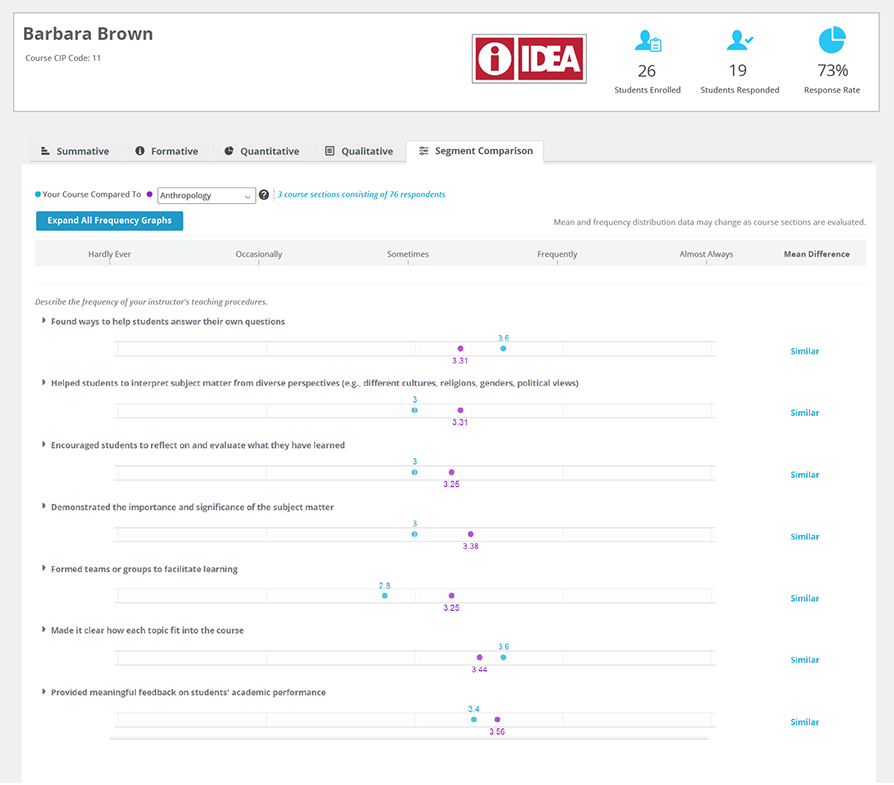
The options you have for comparisons are determined by how your institution sets up the administration of the instrument. You can toggle between the available groups here.
NEXT >



< NEXT

The Segment Comparison tool lets you compare individual item scores on the report to other groups such as your institution or other sections of the same course. In most cases such comparisons are not appropriate because numbers must be interpreted in the context of a course, but there may be times when such specific comparisons would be useful for deeper analysis of trends and issues. For instance, it could be useful to see that all sections of a course are getting lower ratings on a particular learning objective.